Table of Contents
- Announcing Lito: Documentation That Developers Actually Love
- Why Another Documentation Tool?
- Zero Configuration, Real Results
- 20+ Built-in MDX Components
- Offline Search with Pagefind
- OpenAPI Integration
- Dual-Theme System
- Internationalization (i18n)
- How Lito Compares
- Quick Start
- Open Source and Community-Driven
- What’s Next
- Try It Today
Announcing Lito: Documentation That Developers Actually Love
I’ve spent a lot of time thinking about documentation tooling. After building SuperDocs and learning from its strengths and limitations, I wanted to take everything I’d learned and build something better, something that nails the developer experience from day one.
Today, I’m excited to announce Lito, an open-source documentation site generator that transforms your Markdown into searchable, beautiful documentation websites. No complex configuration. No framework boilerplate. Just your content and a single command.
Why Another Documentation Tool?
Fair question. The documentation tool space isn’t exactly empty. But after using (and building) several options, I kept running into the same friction points:
- Too much configuration before you can write a single line of docs
- Missing components that force you to build callouts, tabs, and code groups from scratch
- Search that requires a server or a third-party service
- Theming that’s an afterthought instead of a first-class feature
Lito addresses every one of these. It’s the documentation tool I always wanted to use.
Zero Configuration, Real Results
Getting started with Lito requires exactly one file, a lito.json configuration:
npx lito initThat’s the entire setup. Lito scaffolds your project, creates sensible defaults, and you’re writing docs immediately. No webpack configs. No plugin chains. No build tool archaeology.
The philosophy is simple: the tool should get out of your way. You’re here to write documentation, not configure a build system.
20+ Built-in MDX Components
This is where Lito really shines. Instead of forcing you to build common documentation patterns yourself, Lito ships with over 20 pre-built MDX components:
Callouts
Highlight important information with semantic callouts:
<Callout type="warning">
  Make sure to back up your data before upgrading.
</Callout>

<Callout type="info">
  This feature requires version 2.0 or higher.
</Callout>
Tabs
Present alternative instructions side by side:
<Tabs>
  <Tab label="npm">
    npm install lito
  </Tab>
  <Tab label="pnpm">
    pnpm add lito
  </Tab>
  <Tab label="bun">
    bun add lito
  </Tab>
</Tabs>
Code Groups
Show related code snippets together with automatic syntax highlighting:
<CodeGroup>
  <Code title="server.ts" language="typescript">
    import express from 'express';
    const app = express();
  </Code>
  <Code title="server.py" language="python">
    from flask import Flask
    app = Flask(__name__)
  </Code>
</CodeGroup>
Cards, Accordions, and More
Steps, cards, accordions, file trees, API reference blocks - Lito has components for every common documentation pattern. No third-party plugins needed.
Offline Search with Pagefind
One of my biggest frustrations with documentation tools is search. Most solutions either require a server-side search engine (Elasticsearch, Meilisearch) or a third-party service (Algolia DocSearch) that adds complexity and external dependencies.
Lito takes a different approach: full-text search powered by Pagefind. It runs entirely in the browser with zero server infrastructure:
- Builds at compile time:Search index is generated during the build step
- Runs offline:Works without internet after the initial page load
- Zero cost:No search service subscriptions
- Fast:Pagefind’s compressed index format keeps search responsive even for large doc sites
Your users get instant, accurate search results without you maintaining any backend infrastructure.
OpenAPI Integration
Building API documentation? Lito includes built-in OpenAPI integration that generates interactive API reference pages from your spec files:
- Import your
openapi.yamloropenapi.json - Lito generates browsable, interactive API reference pages
- Request/response examples are rendered automatically
- Try-it-out functionality for testing endpoints
No more maintaining API docs by hand and hoping they stay in sync with your actual API.
Dual-Theme System
Lito ships with a polished dual-theme system:light and dark modes with smooth transitions:
- System preference detection:Automatically matches the user’s OS theme
- Manual toggle:Users can override with a click
- Smooth transitions:No jarring flashes when switching themes
- Custom theming:Override CSS variables to match your brand
Both themes are designed from the ground up, not just an inverted color scheme bolted on as an afterthought.
Internationalization (i18n)
Building docs for a global audience? Lito has built-in i18n support:
- Define translations per locale
- Automatic language switching in the navigation
- SEO-friendly URL structures per language
- Fallback to default locale for untranslated pages
No external i18n libraries or complex routing configurations needed.
How Lito Compares
| Feature | Lito | Mintlify | Docusaurus | SuperDocs |
|---|---|---|---|---|
| Setup | Single JSON | Dashboard | Full scaffold | CLI command |
| MDX Components | 20+ built-in | Built-in | Plugin-based | Basic |
| Search | Pagefind (offline) | Built-in | Plugin (Algolia) | Built-in |
| OpenAPI | Native | Native | Plugin | No |
| i18n | Built-in | Built-in | Built-in | Planned |
| Themes | Dual + custom | Limited | Customizable | Dark/Light |
| Pricing | Free | Paid | Free | Free |
| Self-Hosted | Yes | No | Yes | Yes |
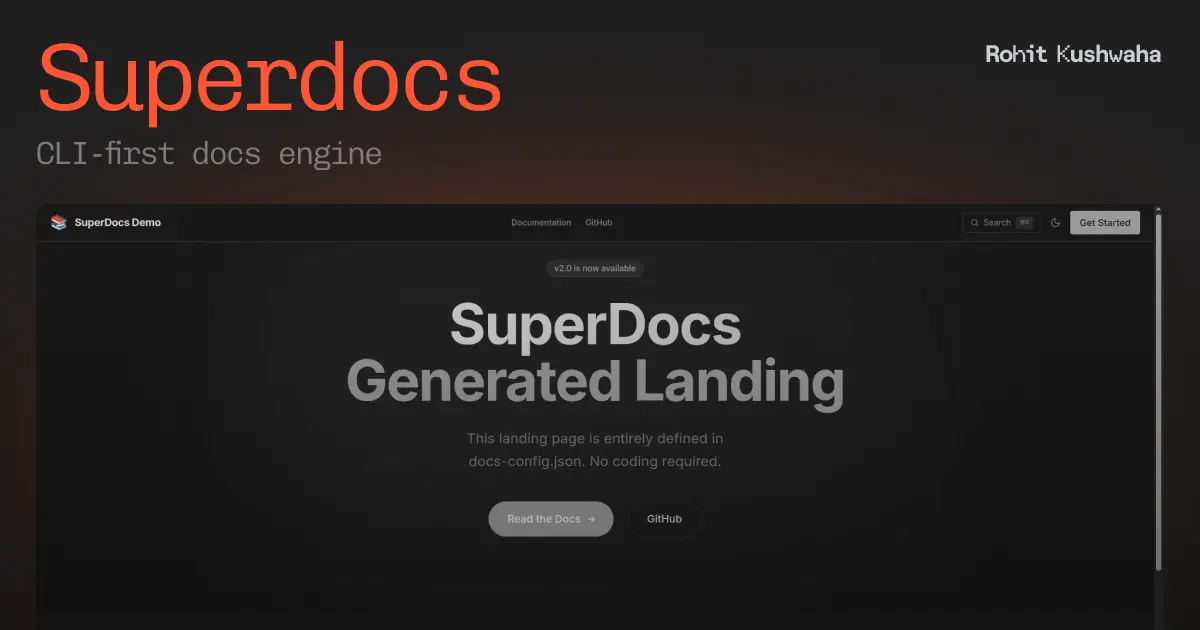
The Evolution from SuperDocs
If you’ve used SuperDocs, you’ll feel right at home with Lito. It builds on the same CLI-first philosophy but takes it further:
- Richer component library:20+ components vs. basic Markdown
- Better search:Pagefind’s offline-first approach vs. basic full-text
- OpenAPI support:First-class API documentation
- i18n:Multilingual docs out of the box
- More polished themes:Production-ready from day one
Think of Lito as SuperDocs grown up, same philosophy, vastly expanded capabilities.
Quick Start
Ready to try it? Three steps:
# 1. Initialize a new Lito project
npx lito init

# 2. Start the dev server
npx lito dev

# 3. Build for production
npx lito build
Write your docs in Markdown or MDX, use the built-in components, and deploy the static output anywhere: Vercel, Netlify, GitHub Pages, Cloudflare Pages, or your own server.
Open Source and Community-Driven
Lito is fully open-source and community-driven:
- GitHub: Lito-docs/cli
- Discord: Active community for questions and contributions
- Current Version: v1.0.0
Contributions are welcome, whether it’s new components, bug fixes, documentation improvements, or feature requests.
What’s Next
Lito v1.0.0 is just the beginning. The roadmap includes:
- More MDX components based on community feedback
- Enhanced OpenAPI features (webhook documentation, schema validation)
- Version selector for multi-version documentation
- AI-powered search suggestions
- CLI plugins for custom workflows
Try It Today
If you’ve been struggling with documentation tooling - too much configuration, missing components, search headaches - give Lito a try. It’s free, open-source, and designed to make documentation something developers actually enjoy writing.
npx lito initDocumentation shouldn’t be painful. With Lito, it isn’t.
Links:

Rohit Kushwaha
Software Engineer & Tech Enthusiast
I'm a software engineer with a passion for building things that live on the internet. I write about technology, software development, and my experiences in the tech industry.